
Simo Ahava has shared a simple and convenient method for duplicating tags, triggers, and variables in Google Tag Manager using container export and import. This approach can be incredibly useful in several scenarios, such as:
1. Migrating to server-side GTM: before fully transitioning, it’s essential to create a copy of your current setup to test and compare client-side and server-side data streams, ensuring no data is lost.
2. Sending data to multiple accounts: for instance, to maintain both local and global analytics properties.
3. Experimentation and testing: quickly set up a separate environment for testing new tags or templates without affecting the main container.
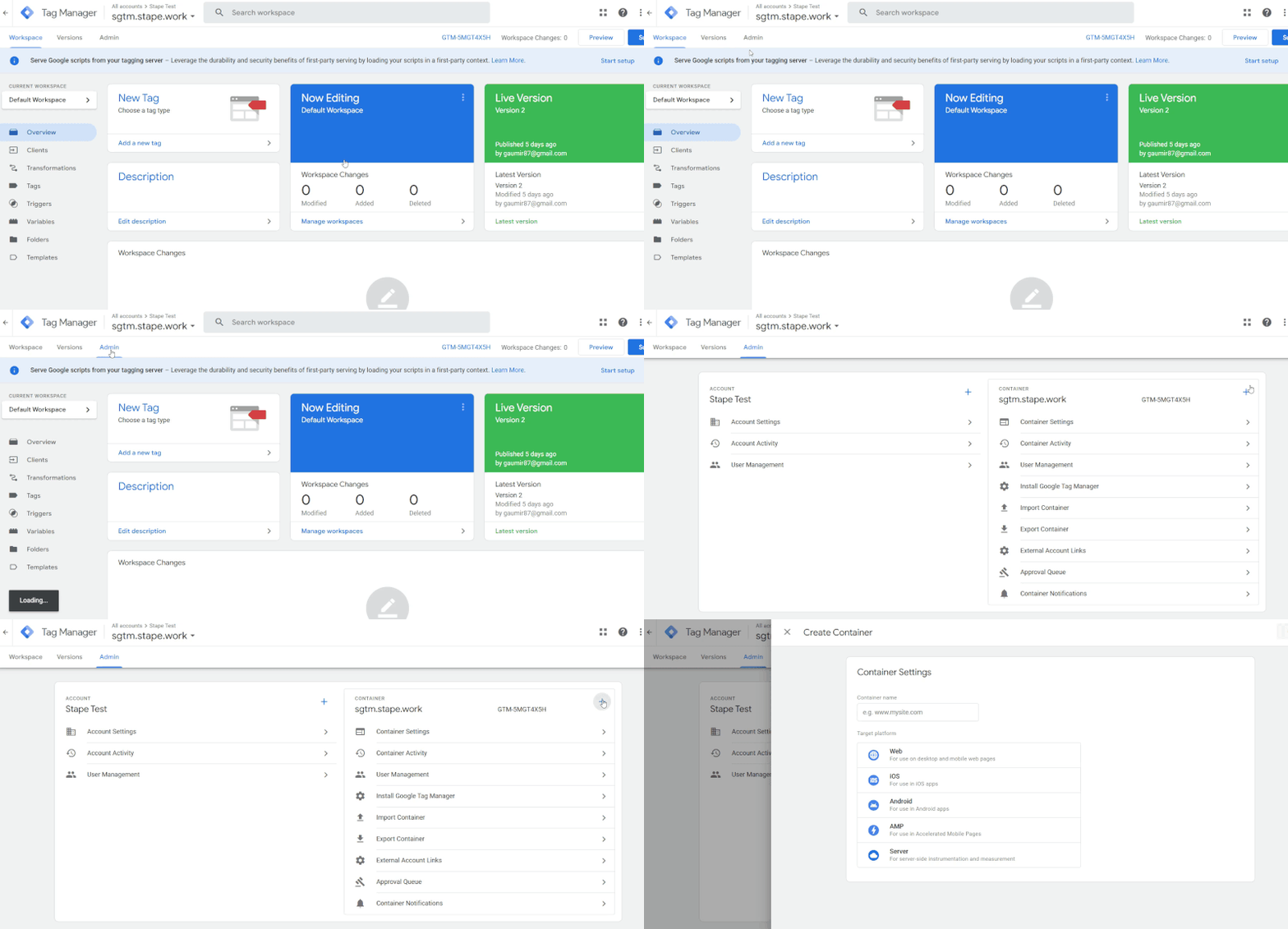
There are only three simple steps:
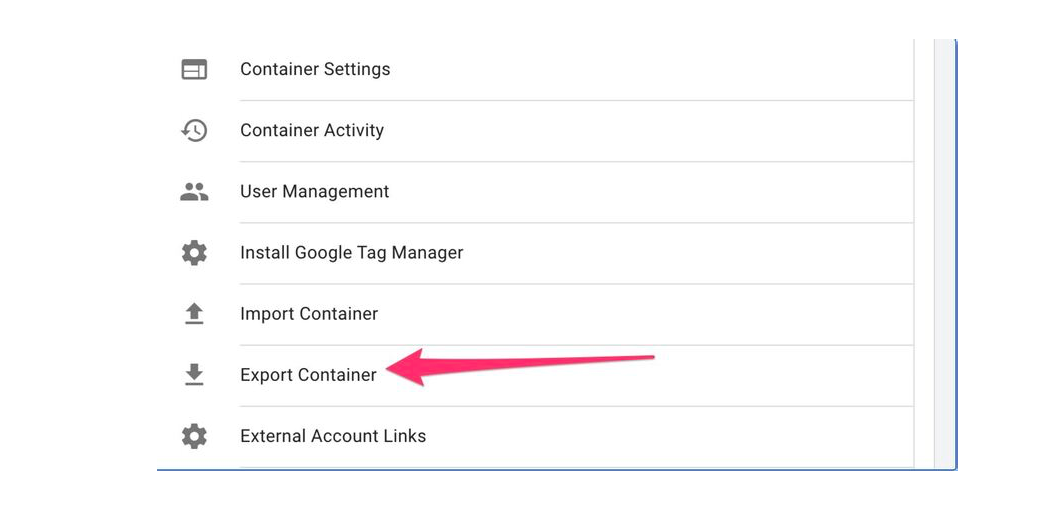
1. Export the root container.
2. Import the container to the new workspace.
3. Adjust duplicates.
That's it!
Why Is This Useful? The export/import method allows you to quickly duplicate large sets of resources, significantly reducing manual effort. Using variables for critical fields like Measurement ID makes the adjustments even simpler.
Want a stronger data analyst role or a raise? Grab the FREE Product Analyst Playbook and get the exact roadmap to your next offer.