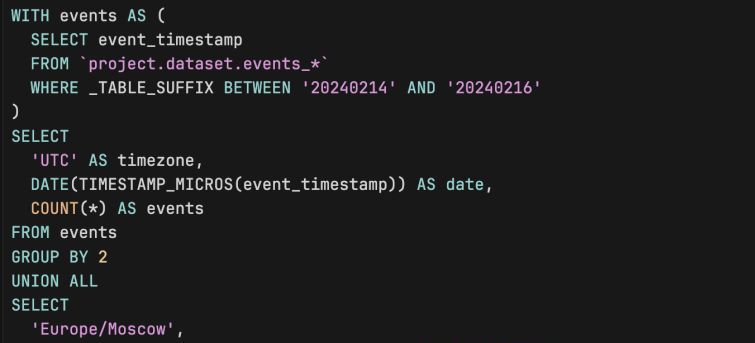

“We use event_timestamp — we’re good on time.”
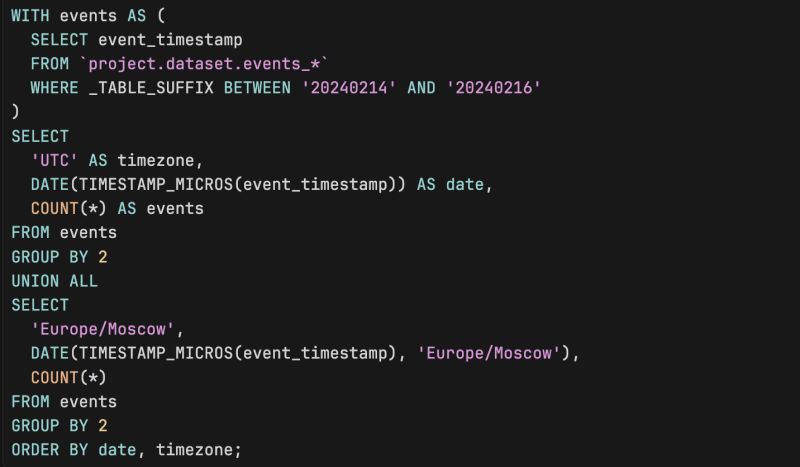
In GA4 export, event_timestamp is in UTC. If you turn it into a date in BigQuery without a timezone, you’re almost always using UTC. Your “reality” and your reports usually live in your timezone.
What actually breaks:
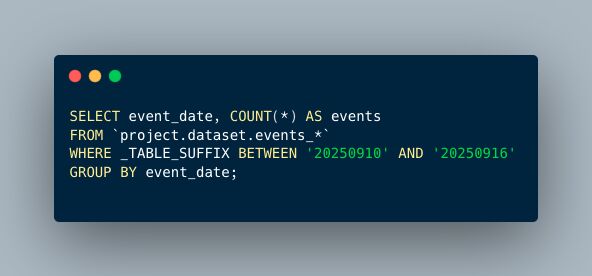
1. DATE(TIMESTAMP_MICROS(event_timestamp)) in BQ = date in UTC
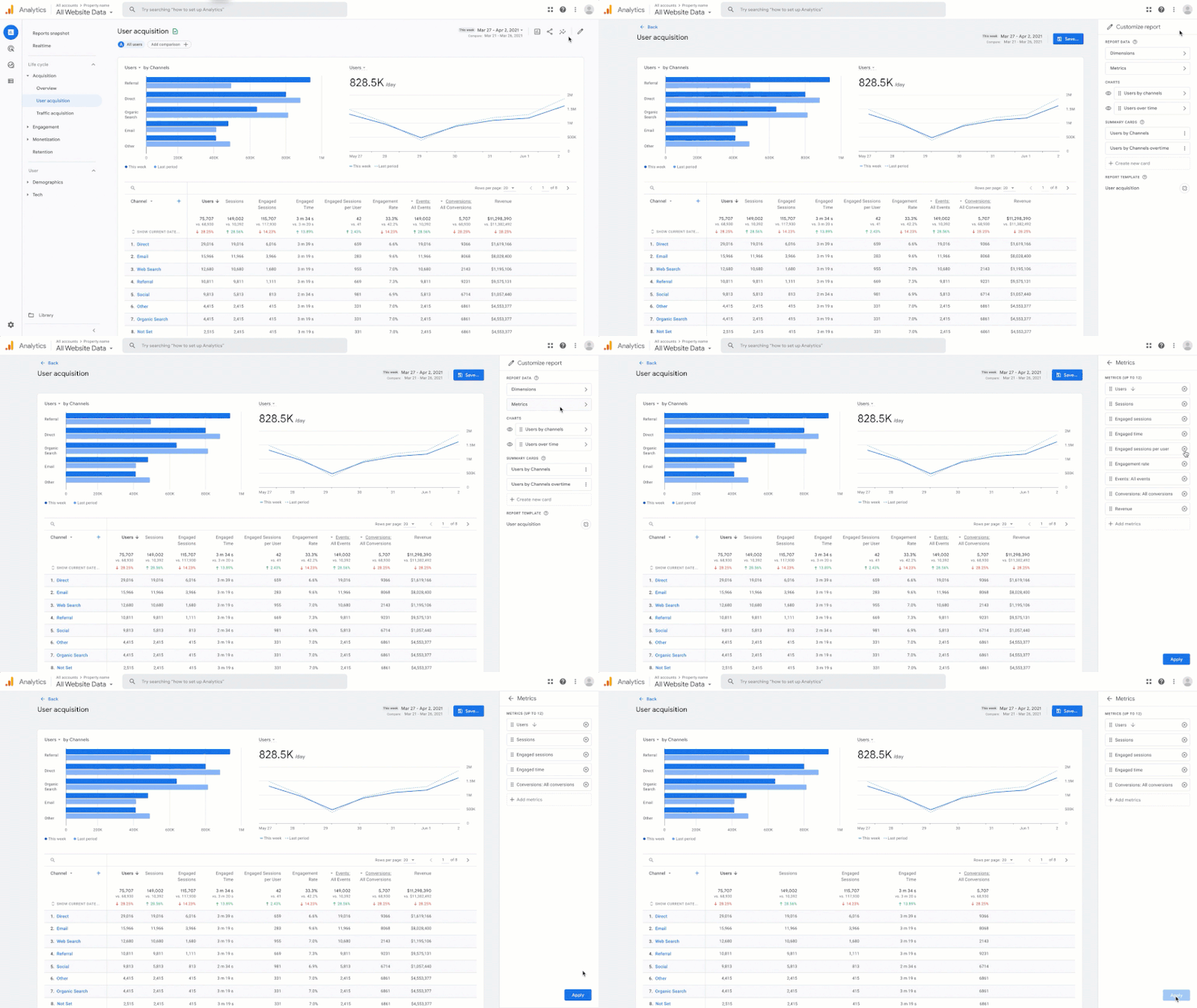
2. GA4 UI = date in the property timezone
3. So “Monday” in the report and “Monday” in your BQ query are different sets of events. Evening in Moscow is already “next day” in UTC.
Result: your BQ totals and GA4 don’t match, and “yesterday” in your head isn’t “yesterday” in the data.
What to do:
1. Convert to your (or property) timezone when you need a date: e.g. DATE(TIMESTAMP_MICROS(event_timestamp), "Europe/Moscow") (or your timezone).\
2. Or keep UTC everywhere and label reports clearly: “All dates in UTC.”
One rule: same timezone for definition of “day” everywhere — in GA4, in BQ, and in stakeholder heads. Otherwise you’re not disagreeing with reality, you’re just measuring “day” in different ways.
Want a stronger data analyst role or a raise? Grab the FREE Product Analyst Playbook and get the exact roadmap to your next offer.