
It’s easy to assume that GA4’s interface and your BigQuery export should show identical numbers for a given day. In reality, they often don’t - and that gap can be confusing if you treat them as interchangeable sources.
Several factors contribute to these discrepancies:
• GA4 applies its own rules for defining sessions and days, while BigQuery holds raw events with precise timestamps;
• export schedules mean some events appear in GA4 reports before they land in BigQuery (or the other way around);
• sampling in GA4, especially in Explore, can produce approximated metrics that don’t match the raw event count.
If you look at “one day” in each system without aligning time zones and definitions, you’re effectively comparing different slices of reality.
A more robust approach:
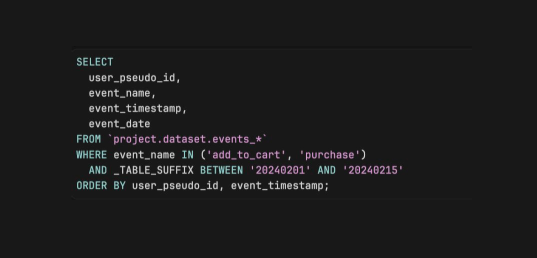
• anchor comparisons on event timestamps in UTC
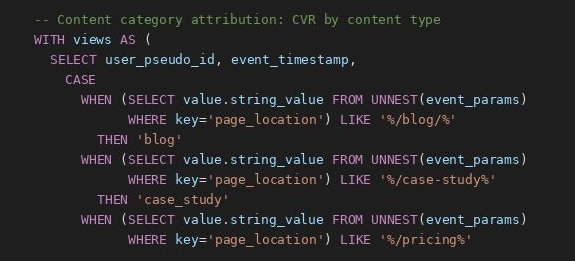
• check which events fall inside your defined day boundaries in BigQuery
• verify whether GA4 reports for that same period are sampled or unsampled
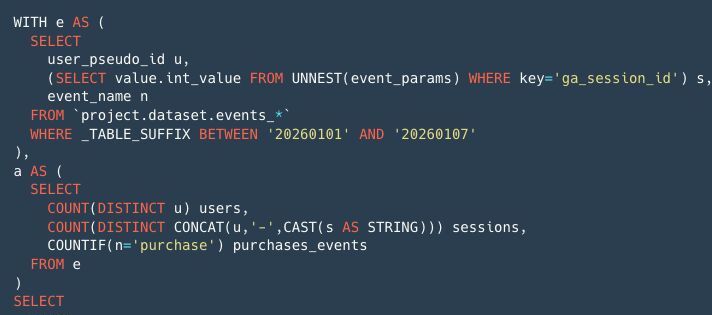
• build reconciliation queries to quantify the difference instead of guessing
Once you understand why the numbers diverge, you stop arguing about which tool is “right” and start designing a consistent process for reporting: GA4 for quick directional views, BigQuery as the audited source of truth.
Want a stronger data analyst role or a raise? Grab the FREE Product Analyst Playbook and get the exact roadmap to your next offer.