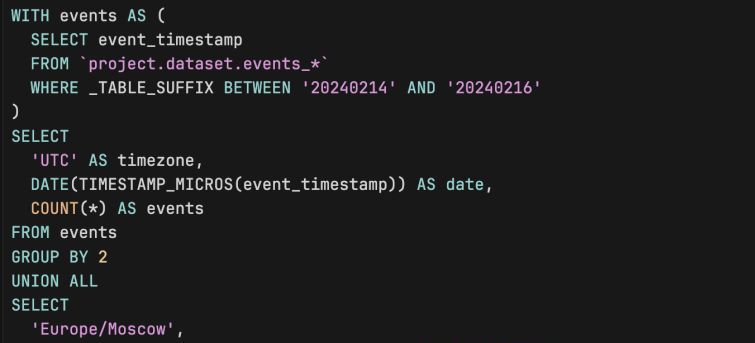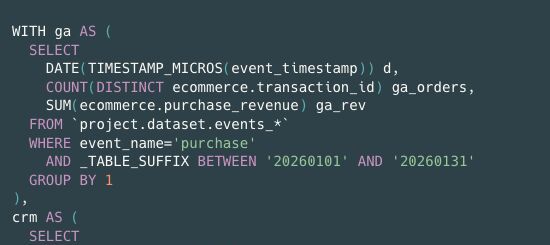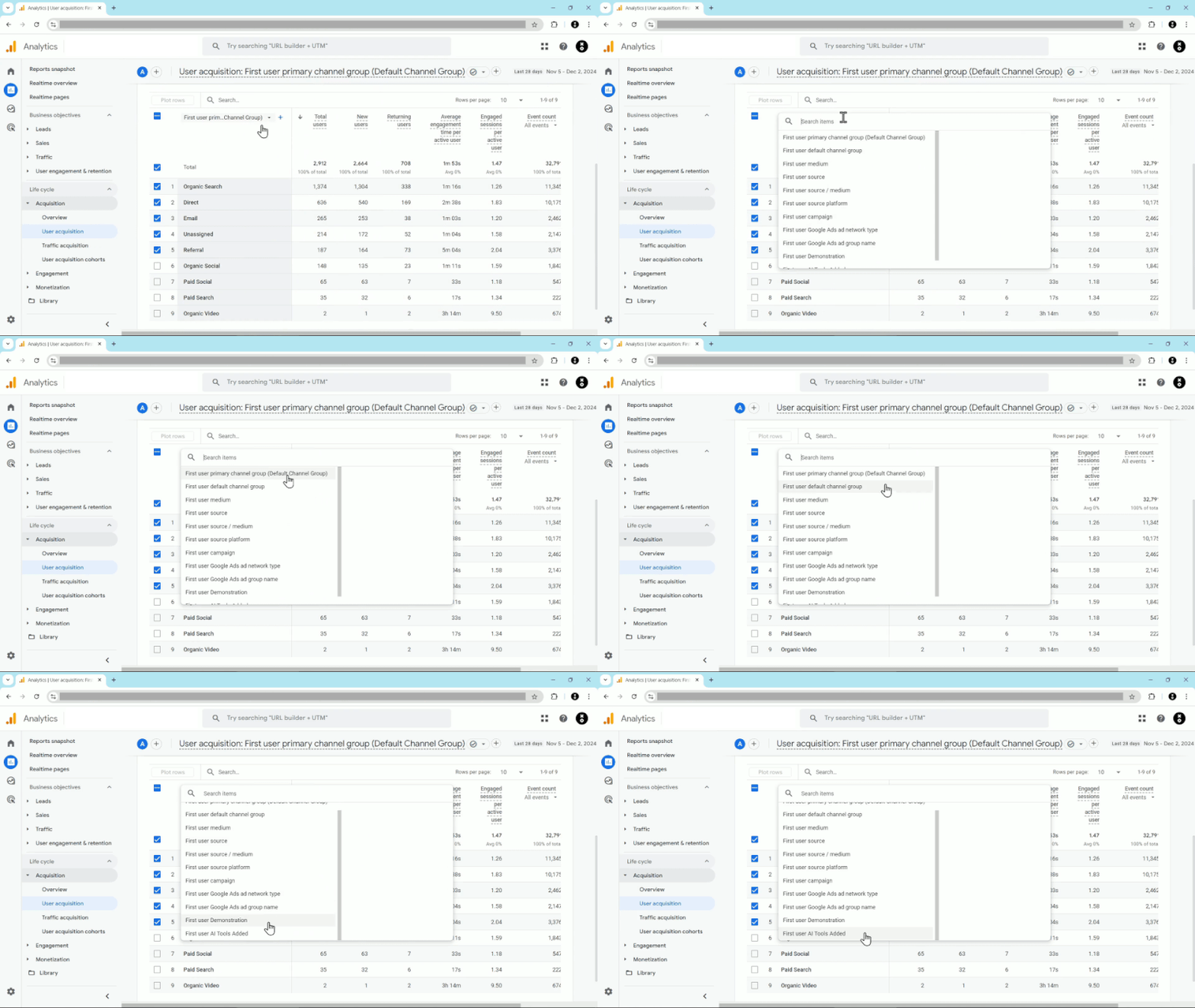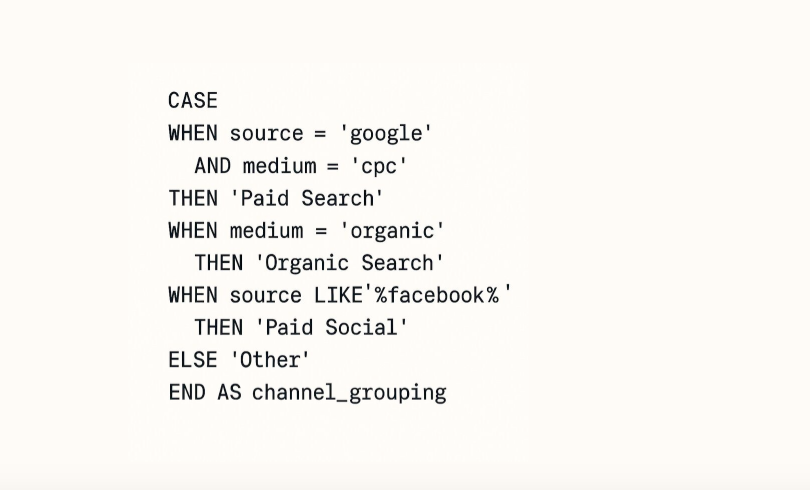

The moment you try to recreate GA4’s channel report in BigQuery, reality sets in. There is no ready-made default channel grouping field, and traffic_source alone will not rescue you.
In GA4 exports, channel information is scattered:
• some data comes from traffic_source at the first visit;
• some comes from UTM parameters inside event parameters or session-level fields;
• the rest is whatever naming conventions your teams and agencies have used over the years.
BigQuery simply stores this chaos. It’s up to you to turn it into something coherent.
You usually have two choices:
• accept whatever last-click traffic_source gives you and tolerate endless variations of the same channel;
• or define your own channel grouping with explicit CASE WHEN rules for combinations of source and medium.
The second option takes more effort, but it is the only way to get a stable, comparable view of performance across campaigns and partners.
Once you invest in a clear set of rules, you can finally answer questions like “What did Paid Social deliver last quarter?” without scrolling through thousands of slightly different source/medium pairs.
GA4’s interface gives you a convenient abstraction. BigQuery gives you the raw ingredients. The grouping logic in between is your responsibility.
Want a stronger data analyst role or a raise? Grab the FREE Product Analyst Playbook and get the exact roadmap to your next offer.